

Instant Access
Start creating with VEO 3.1 immediately—no waitlists, no queues, no delays.

User-Friendly
No coding or technical skills required. If you can type, you can create.

Character Consistency
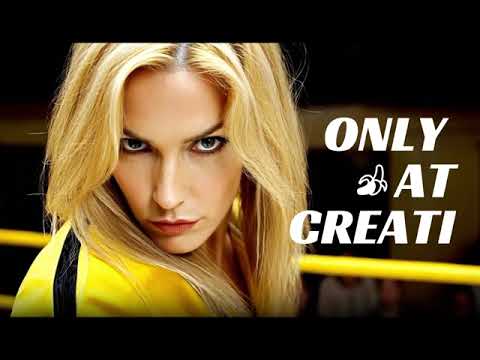
Keep faces and styles perfectly consistent across every scene for a pro look.

Infinite Creativity
Break free from technical constraints and turn your wildest imaginations into incredible visual realities with VEO 3.1.

Social Media Ready
Generate perfect 9:16 vertical videos tailored for TikTok, Reels, and Shorts.

AI-Powered Realism
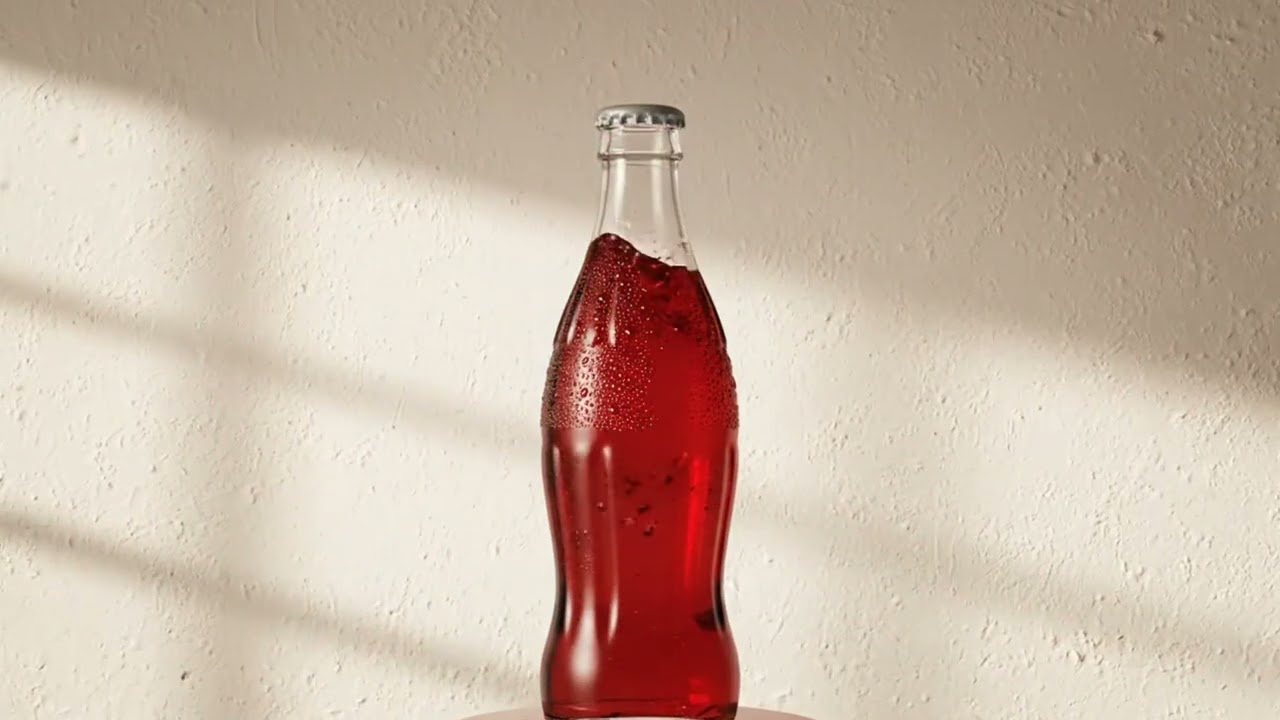
Leverage the advanced VEO 3 engine for fluid movement and 100% realistic depth.
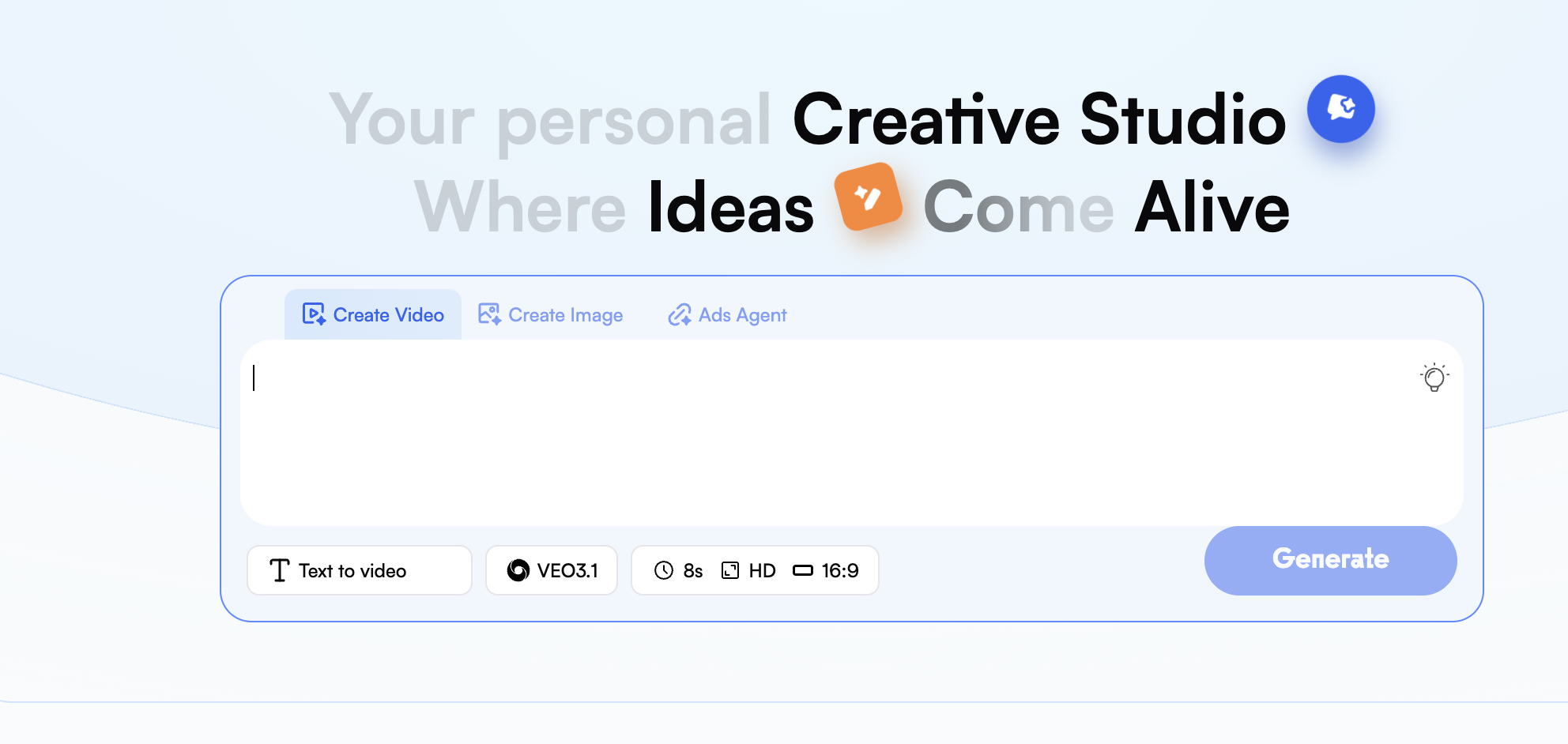
Once you are logged into the dashboard, select "Create Video" to get started. You should now see a list of models available for use; select either the VEO 3 model or the newest release, VEO 3.1, which will provide you with the most advanced capabilities for creating cinematic videos.
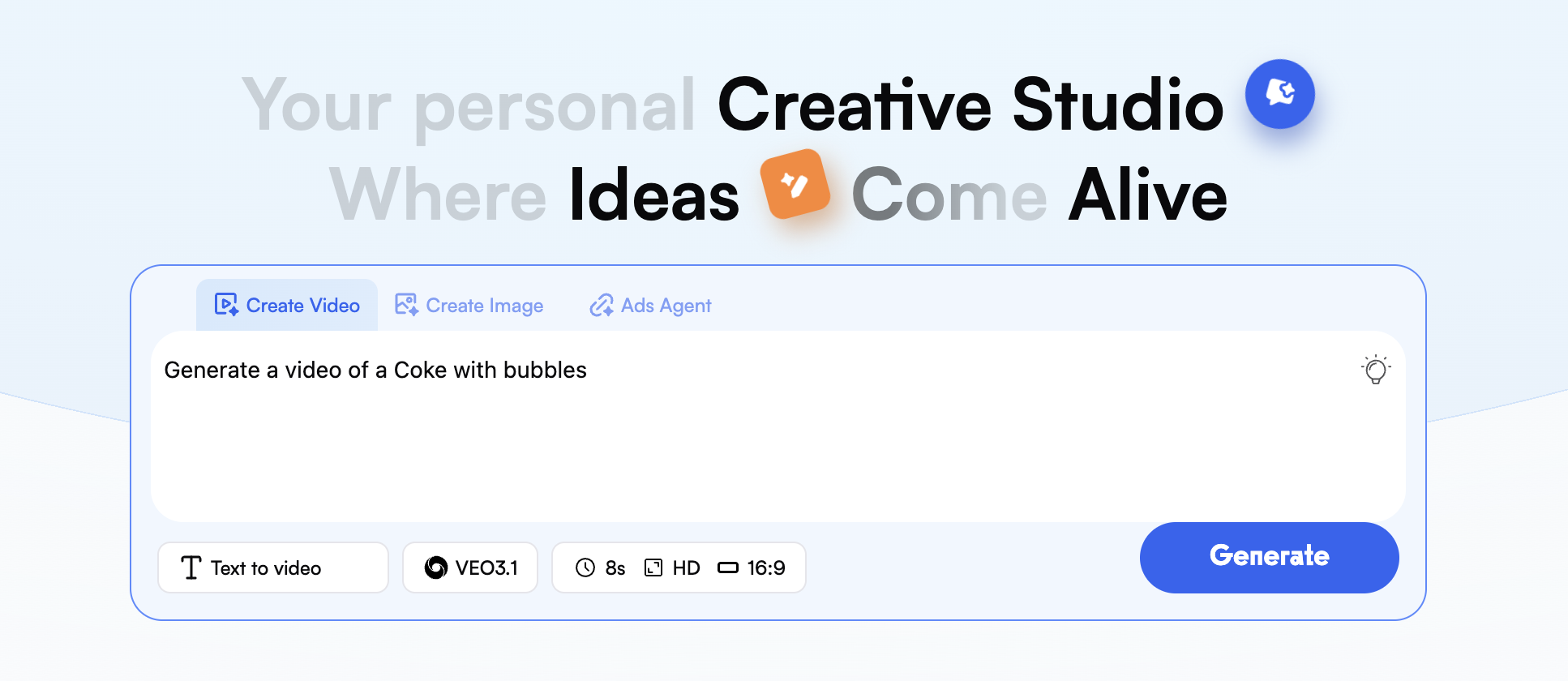
In the prompt field, describe your envisioned scene in great detail. If you want the AI to create the assets for you, upload images of the character's face, clothing item, and specific background you would like to use with your finished video.
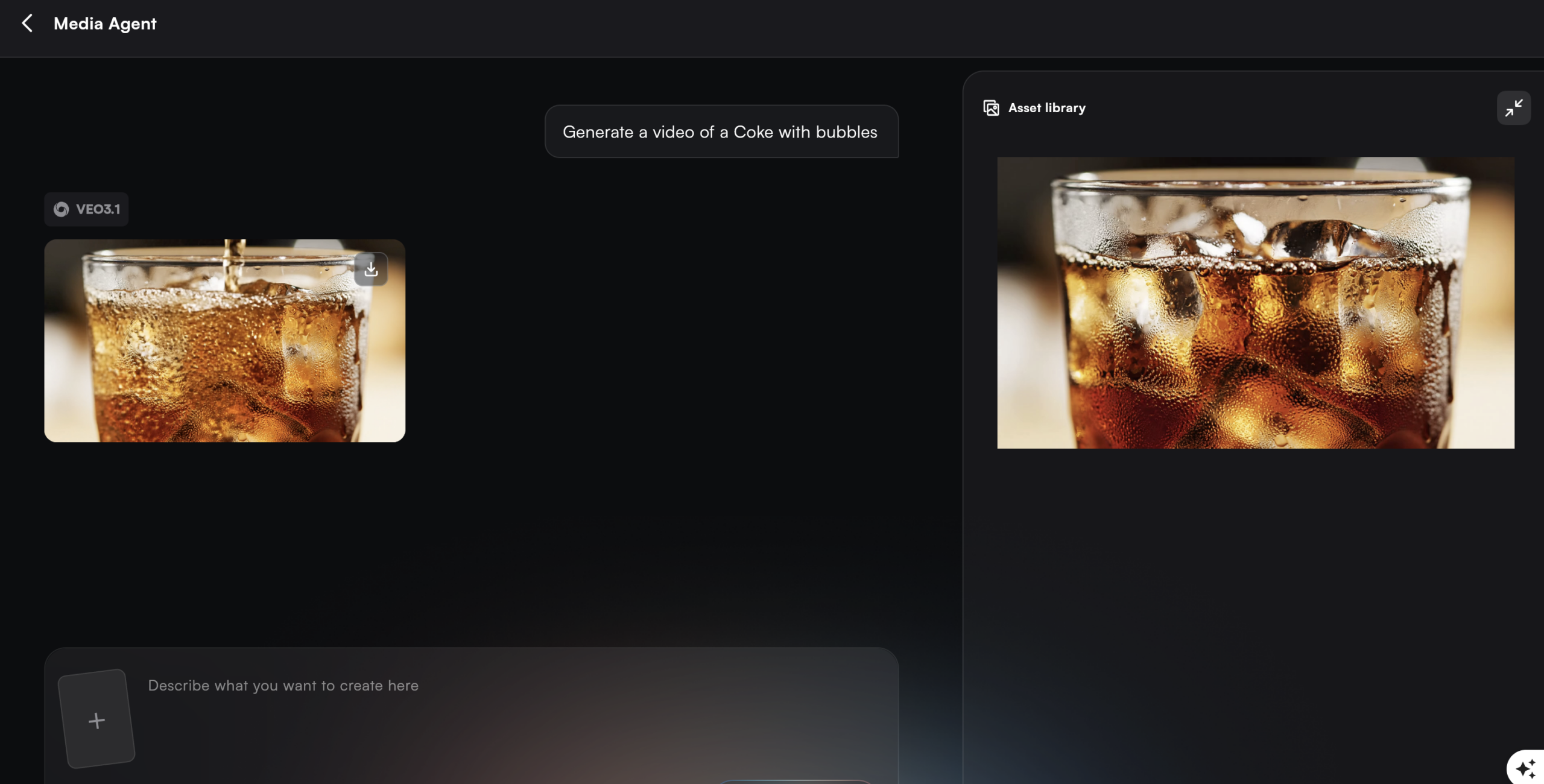
Once you have completed the steps above, press the "Generate" button to produce your video. Your finished video will then be produced in approximately 50-80 FPS, using the VEO 3 engine's ability to accurately replicate and apply realistic lighting and physics, and provide you with an HD video of 1080P quality.

Social Media Influencers
Create viral 9:16 clips for TikTok and Reels using the powerful VEO 3.1 engine.

Fashion Brands
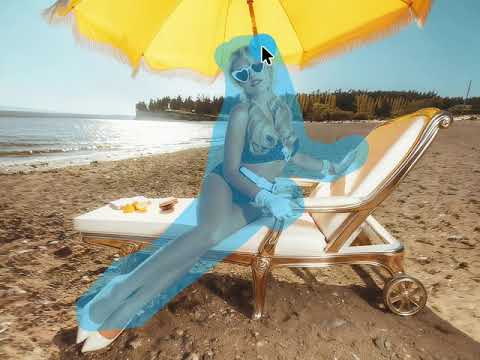
Enable realistic virtual try-ons and consistent style showcasing with the VEO 3 model.

App Developers
Generate polished trailers and previews using the advanced VEO 3.1 engine.

Educators & Coaches
Turn complex concepts into HD visual stories with the Google VEO 3 generator.

Content Marketers
Produce creative video assets that keep your brand voice consistent and engaging.

E-commerce Owners
Use our Google VEO 3 video generator to produce high-converting product demos.