Kling 2.6 Motion Control:
Next-Gen Creative Studio

Master Kling 2.6 motion control with Creati. Our Creative Studio makes Kling 2.6 easy. Unlock this Next-Gen Video Model for incredible videos.

Kling 2.6: New Features,
New Ways to Create

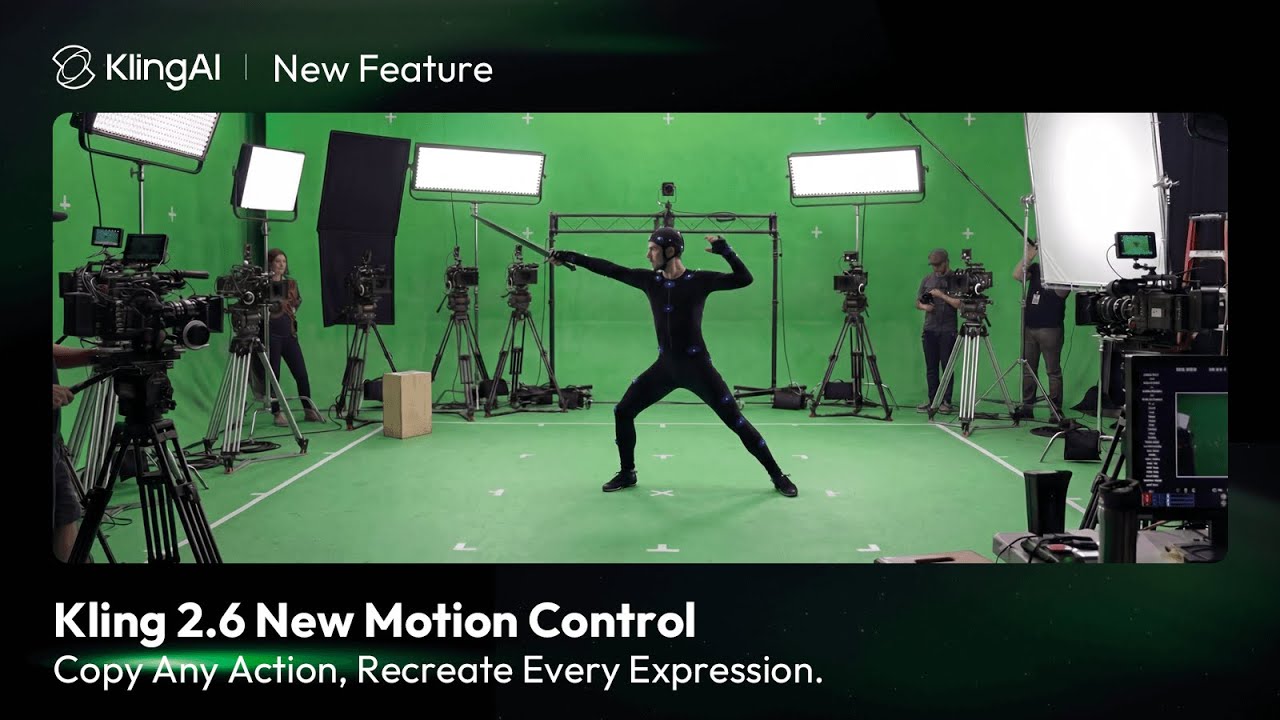
Be the Puppet Master with Kling 2.6 Motion Control

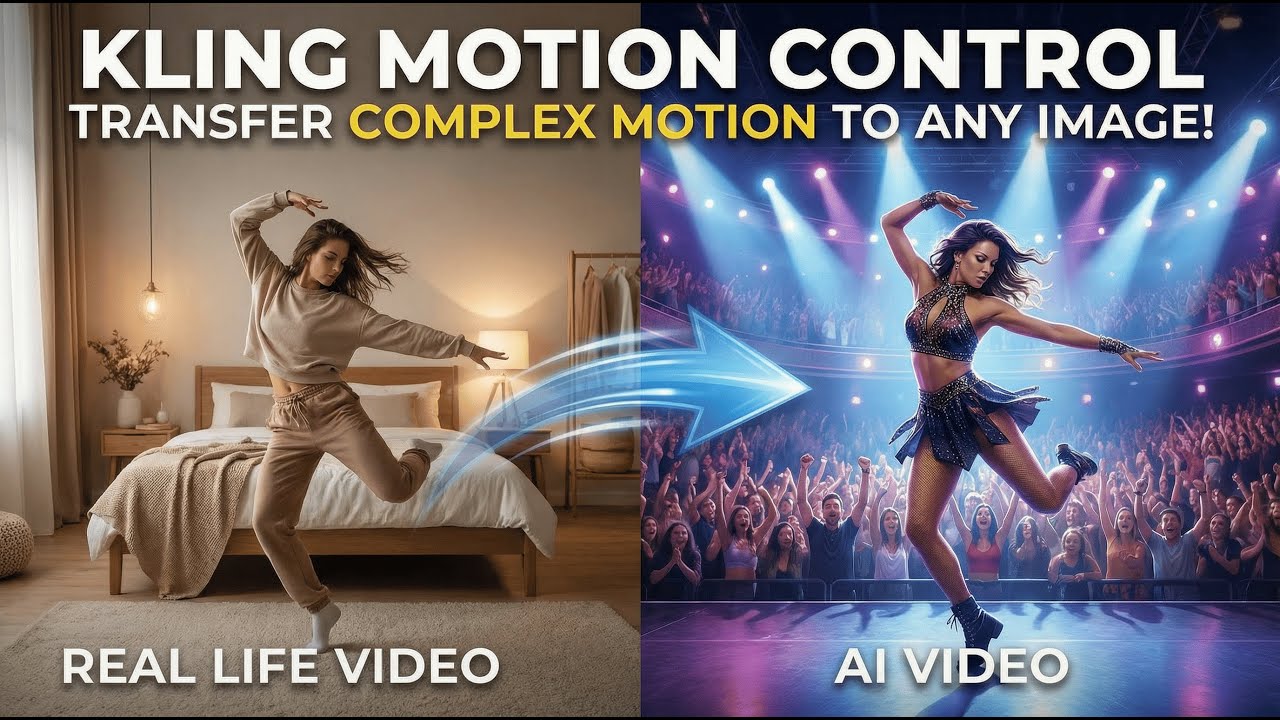
Got a reference video? Great. Have a character photo that is just… standing there? Boring! Let’s wake them up. Simply upload both, and watch Kling 2.6 motion control make your character mimic every move from the video perfectly. No acting classes required—just pure AI magic!

Kling 2.6 Motion Control: The Smoothest Moves in the Game

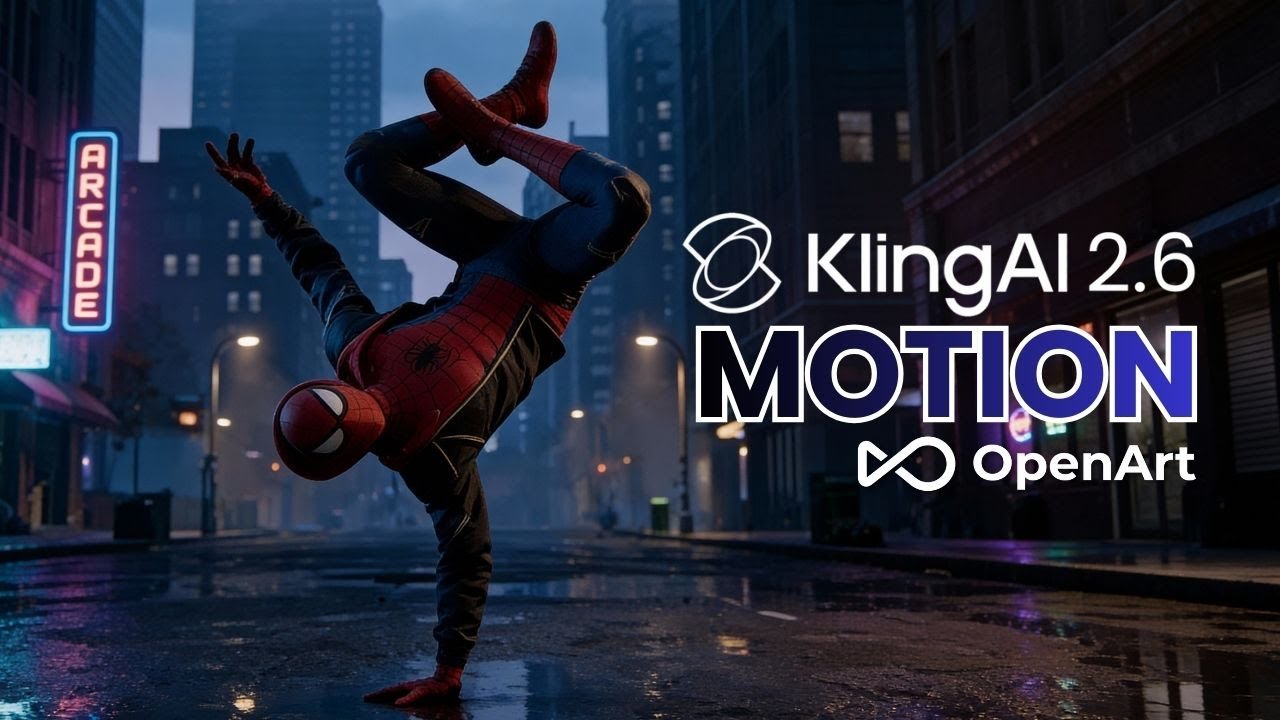
See the difference for yourself. While other models can feel stiff or robotic, Kling 2.6 motion control captures the soul of the movement. It locks onto complex choreography with superior temporal stability, ensuring your character doesn’t just move—they perform. From the natural sway of the fabric to precise limb positioning, experience the most fluid, lifelike motion transfer available.

Kling 2.6: Sync Your Sound and Vision Instantly

Don’t let your audio feel disconnected. Kling 2.6 understands the deep link between what you see and what you hear. As the visuals play out, the model ensures your script describes exactly what is happening on screen. From fast-paced sports commentary to character dialogue, you get a perfect context match every time.

How to Use the Kling 2.6 Model on Creati:
A Quick Start Guide

Step 1
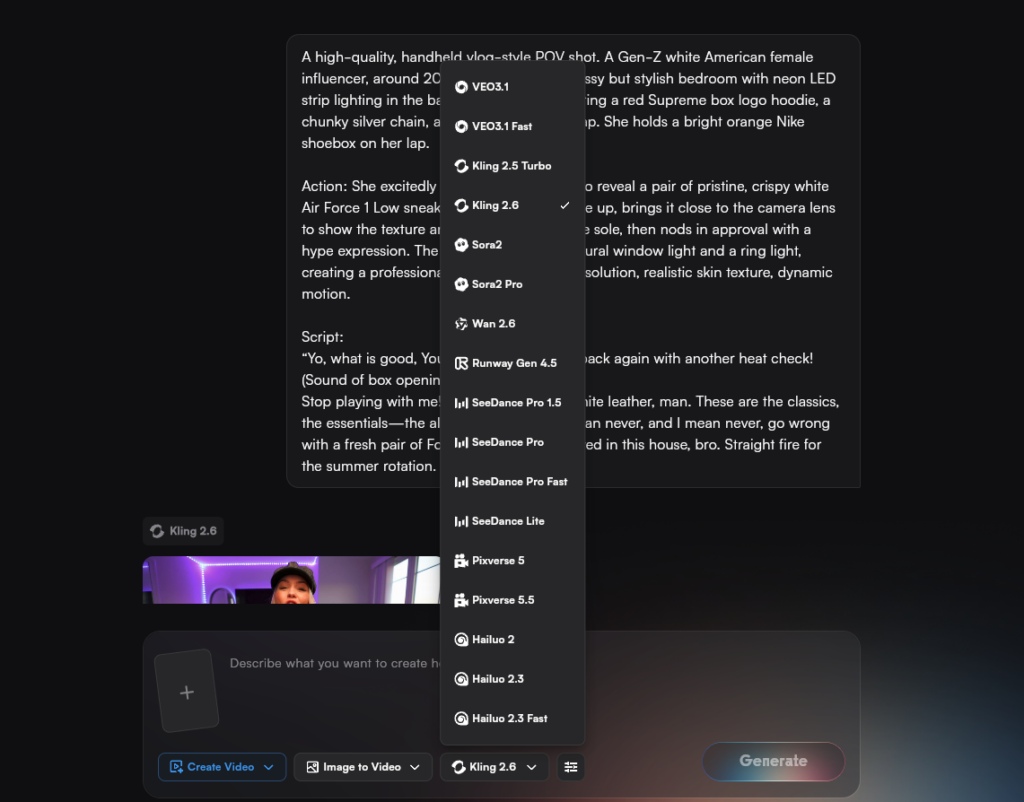
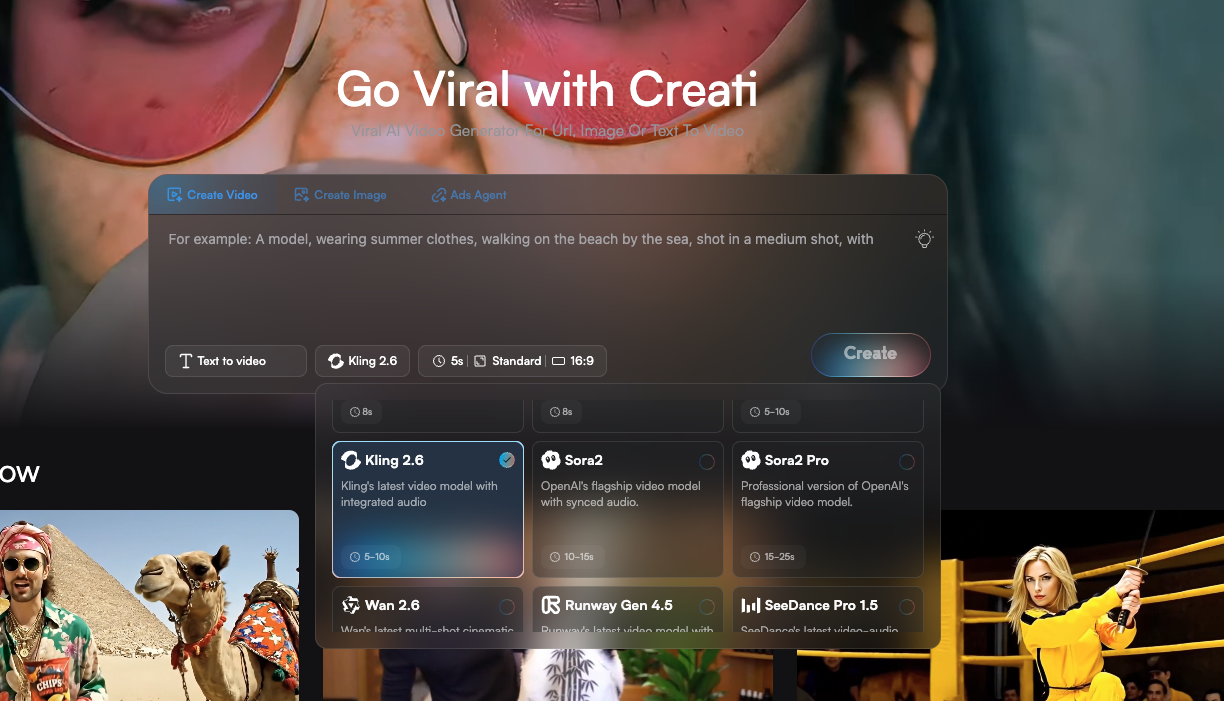
Choose the Kling 2.6 Model

Navigate to the Creati workspace and select Kling 2.6 from the model list. This ensures you are building on the most advanced video generation foundation available.
Step 2
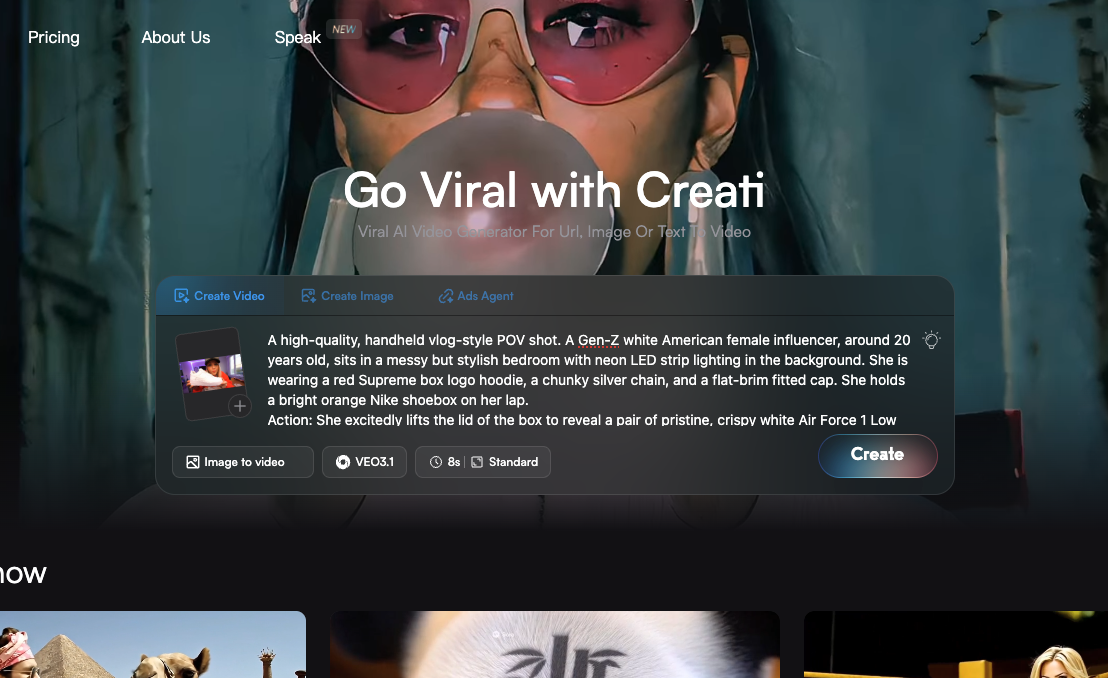
Craft Your Vision

step 2 of using kling on creati

Enter a detailed text prompt to describe the scene you imagine. Alternatively, use the Image-to-Video feature by uploading a reference picture to guide the Kling 2.6 model precisely.
Step 3
Generate and Set Sail

Hit the generate button and wait a few moments for the magic to happen. Once Creati delivers your cinematic video, you are ready to download it and let your creativity set sail!

Why Choose Creati Kling Model

Skip the Queue & Go Unlimited: Enterprise-Grade Access

Tired of waiting in line or hitting daily caps on the official site? We get it. Creati integrates directly with the dedicated Kling 2.6 API, bypassing both crowded public queues and usage restrictions. This means you get a faster, stable connection with unlimited generations. No loading bars, no delays, and no limits—just instant, endless access to the Kling 2.6 model whenever inspiration strikes.

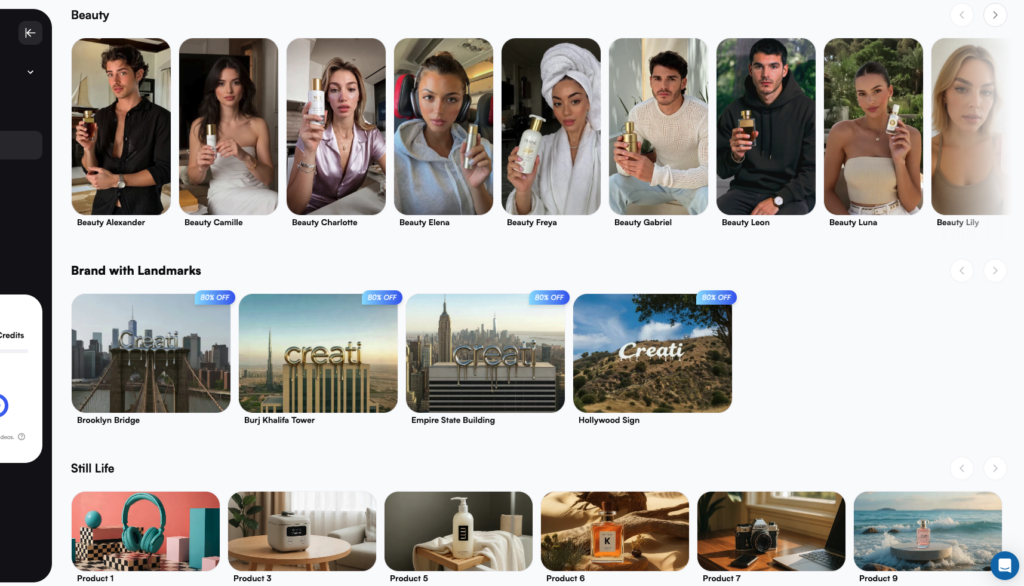
Running Low on Inspiration? We Have Millions of Templates

Don’t let a blank screen stop you. If you don’t know where to start, head over to Creati’s massive template page. Browse through thousands of curated examples to find your spark. Whether you need cinematic lighting or dynamic motion, simply pick a template you love and use it to jumpstart your next Kling 2.6 masterpiece instantly.
Kling 2.6 video inspiration gallery

More Than Just Kling: Explore Our AI Model Forest

Different projects need different tools. While Kling 2.6 is perfect for cinematic realism, Creati hosts a variety of other leading models to cover every creative need. Whether you need specific styles or different generation speeds, our platform gives you the freedom to choose the best engine for every task.

Who can benefit from
Creati Veo 3 Model

Social Media Influencers

Create viral, cinematic 1080p clips for TikTok and Reels using the powerful Kling 2.6 engine to maximize viewer engagement and retention.

Content Marketers

Scale your video strategy efficiently, utilizing Kling 2.6 to turn text-based content into consistent, high-quality video narratives.

Game Developers

Produce immersive trailers and cutscenes where Kling 2.6 ensures character consistency and high-fidelity texture rendering.

UI/UX Designers

Turn complex concepts into HD visual stories with the Google VEO 3 generator.

Authors & Publishers

Bring your book's world to life with Kling 2.6, generating cinematic trailers that capture the atmosphere and characters of your story.

Real Estate Agents

Create smooth, virtual property fly-throughs using Kling 2.6 motion control to give potential buyers a realistic sense of space and depth.

What Our User Are Saying

"I had a client ask for 'cinematic aerial shots of a futuristic Tokyo' at 4:00 PM on a Friday. Before, I would have cried. With Kling 2.6, I generated the footage before I even finished my snack. The lighting, the physics—it's honestly rude how good it looks. My client thinks I'm a wizard; I just tell them it's trade secrets (and Creati)."
— Leo T., VFX Supervisor
"Listen, I'm an indie filmmaker. My budget usually consists of high hopes and spare change found in my couch. But Kling 2.6? It's a total game-changer. I needed a specific camera pan for a sci-fi scene, and the Kling 2.6 motion control nailed it on the first try. My mom saw the clip and asked when I went to Mars. 10/10, would generate again."
— Mia R., 3D Generalist
"I run social media for three brands, and my brain is usually fried by Tuesday. Creati is my cheat code. I was stuck on a perfume ad, browsed the template library, and used Kling 2.6 to make the bottle float through a cloud of liquid gold. It looks so expensive I almost charged myself for watching it. Engagement is up, and I can actually sleep at night."
— Chloe D., E-commerce Brand Founder

Frequently Asked Questions
(FAQS)

Skip the long queues. Creati integrates directly with the dedicated Kling 2.6 API, giving you instant, stable access without the wait times often found on the official web interface.
It’s a feature that lets you direct movement precisely. Upload a reference video and a character image, and Kling 2.6 motion control will make your character mimic the exact actions from the video.
Yes. Kling 2.6 produces cinematic 1080p video with high consistency, making it perfect for commercial ads, social media marketing, and professional content creation.
No. You can browse Creati’s massive library of curated templates. Just pick a style you like and use it to jumpstart your Kling 2.6 creation instantly.
Absolutely. The Image-to-Video feature allows you to upload a photo—like a product shot or character art—and use Kling 2.6 to animate it with realistic motion.
Yes. With Kling 2.6 motion control, you can “remix” the look. Use a text prompt (e.g., “wear a suit”) to change the styling while the AI preserves the original movement perfectly.
Yes. Kling 2.6 offers audio synchronization, ensuring that the sound matches the visual context of your generated video for a more immersive experience.
Creati is a multi-model ecosystem. While Kling 2.6 is great for realism, you can instantly switch to other top-tier video models on our platform to fit different creative needs.

Unlimited Creativity
All in Creati

Contact US
Features

© 2026 All Rights Reserved.

Scroll to Top