'%20/%3e%3cdefs%3e%3clinearGradient%20id='paint0_linear_4550_21965'%20x1='5.5'%20y1='5.5'%20x2='14.5'%20y2='15.5'%20gradientUnits='userSpaceOnUse'%3e%3cstop%20stop-color='%23F1567B'%20/%3e%3cstop%20offset='0.231349'%20stop-color='%23F7C6A8'%20/%3e%3cstop%20offset='0.798954'%20stop-color='%2302B1E9'%20/%3e%3cstop%20offset='1'%20stop-color='%232862F4'%20/%3e%3c/linearGradient%3e%3c/defs%3e%3c/svg%3e)
GPT Image 1.5: OpenAI's Latest AI Image Model
GPT 1.5, Make Your Creativity without limits
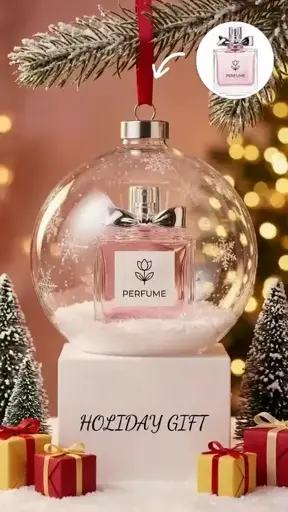
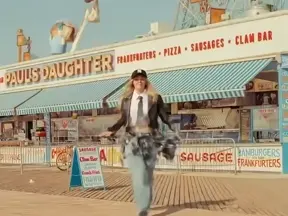
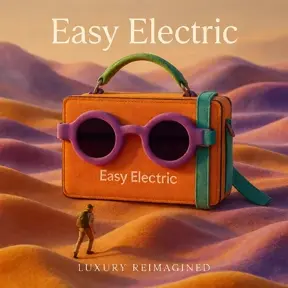
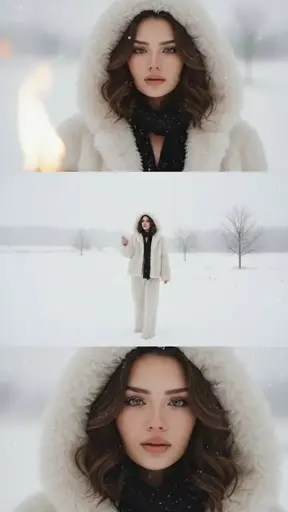
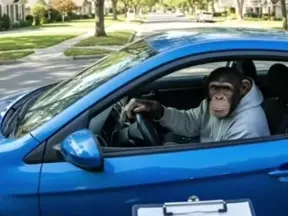
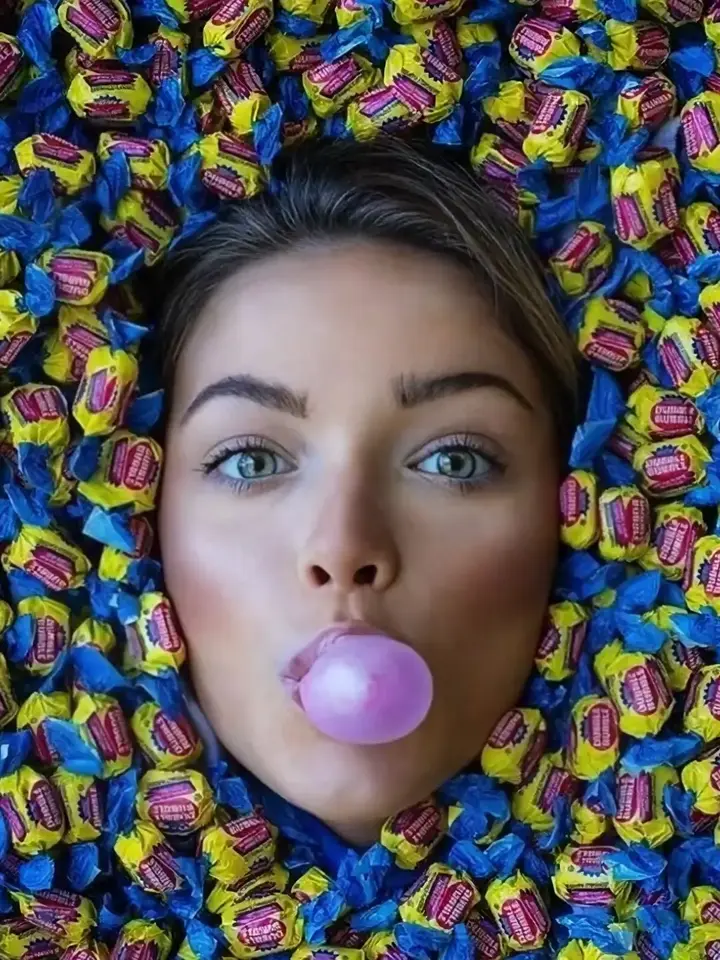
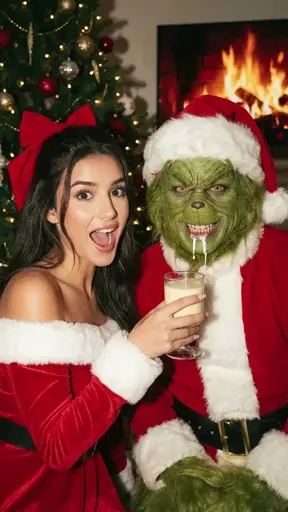
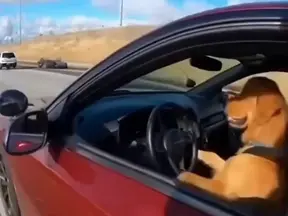
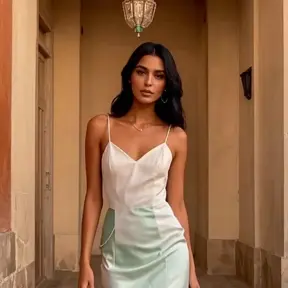
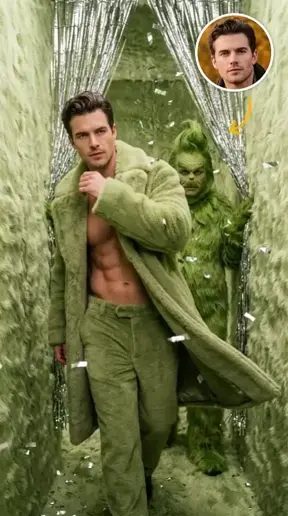
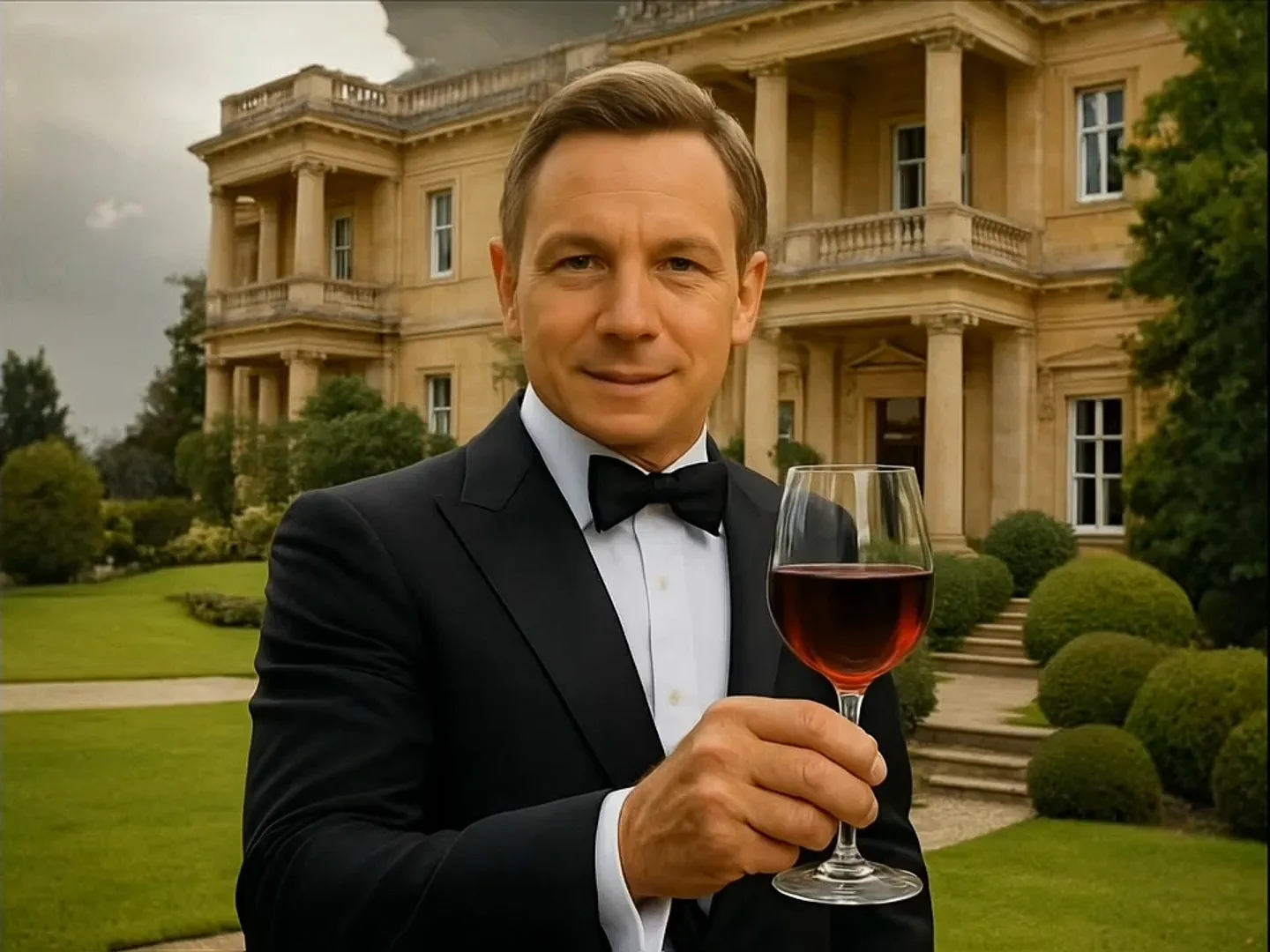
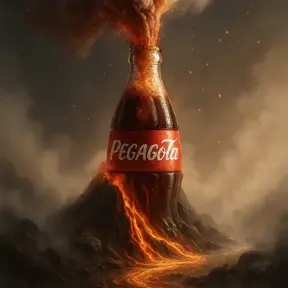
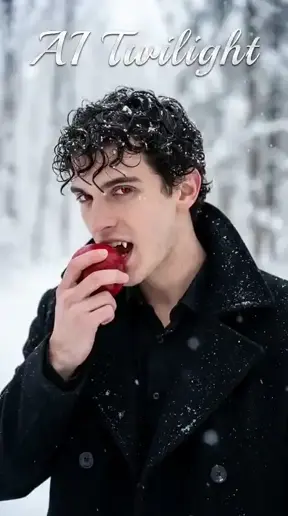
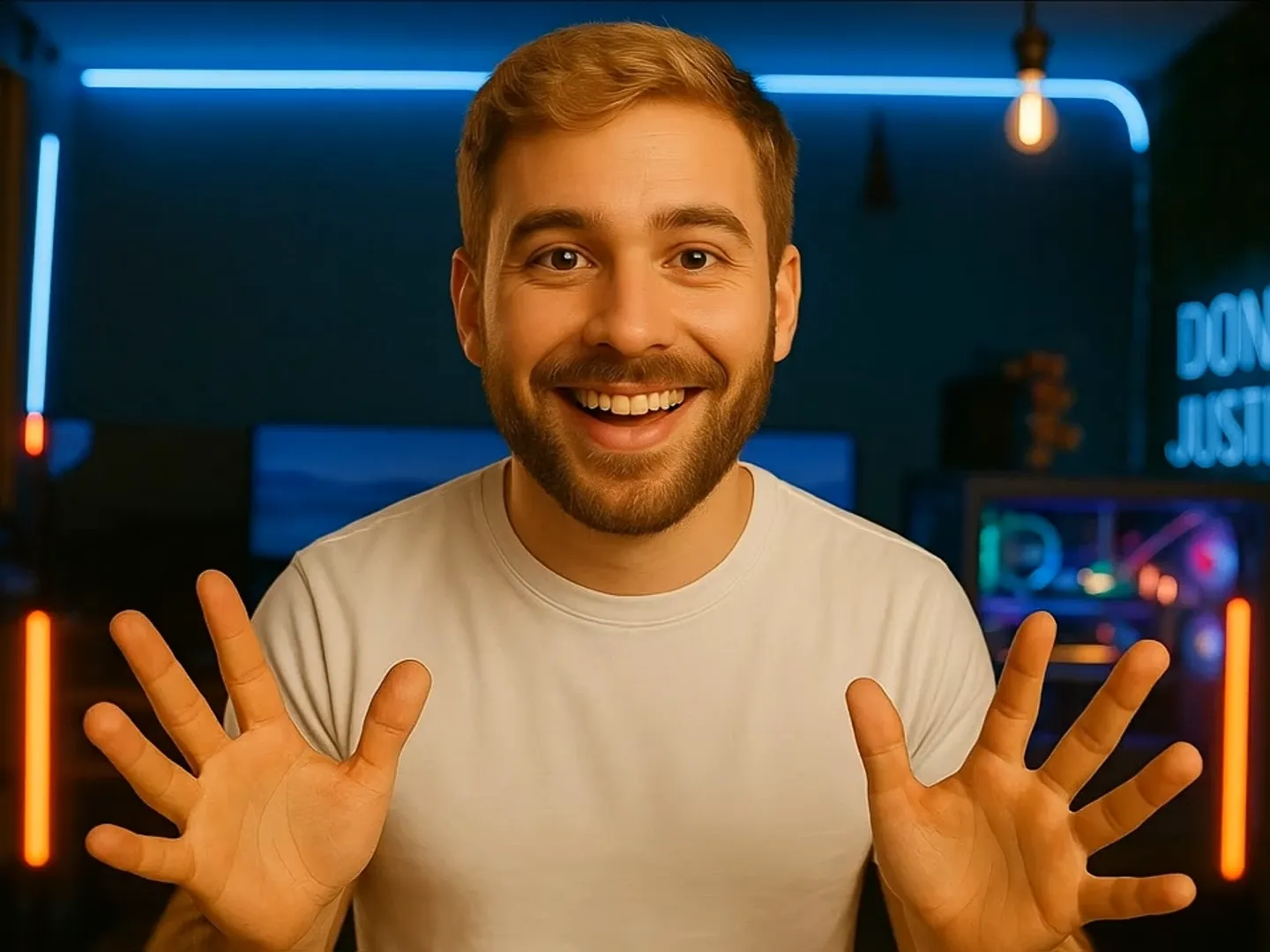
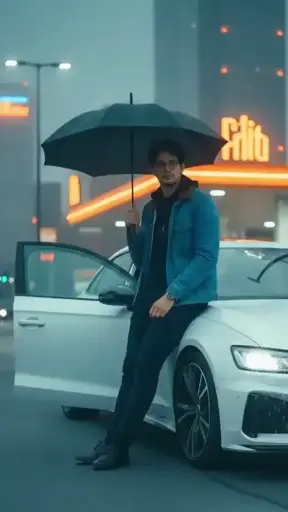
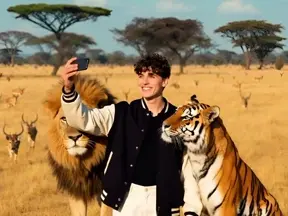
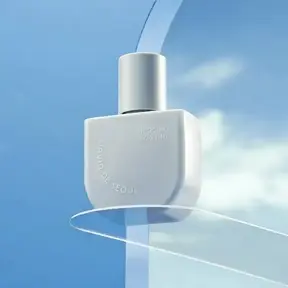
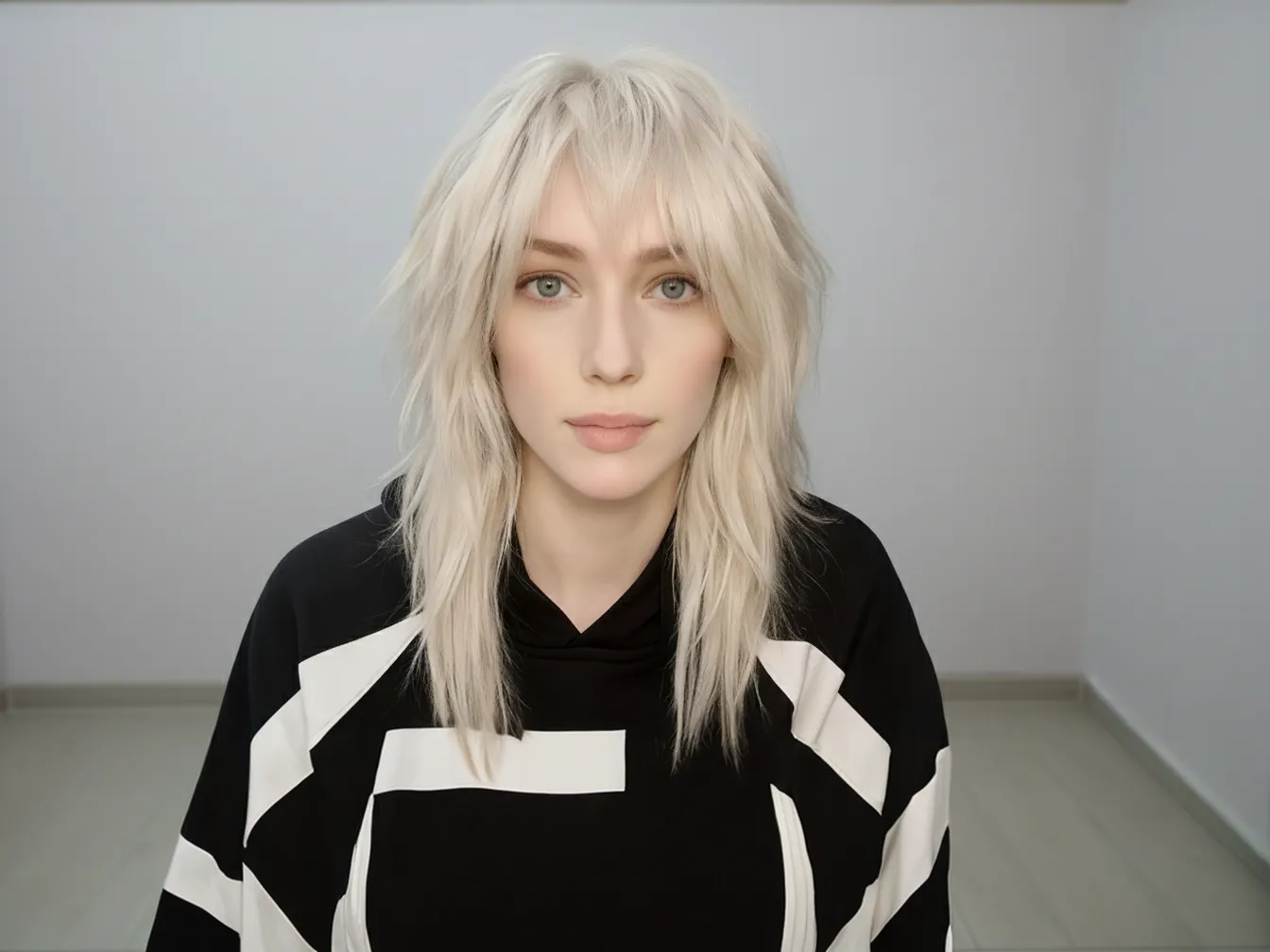
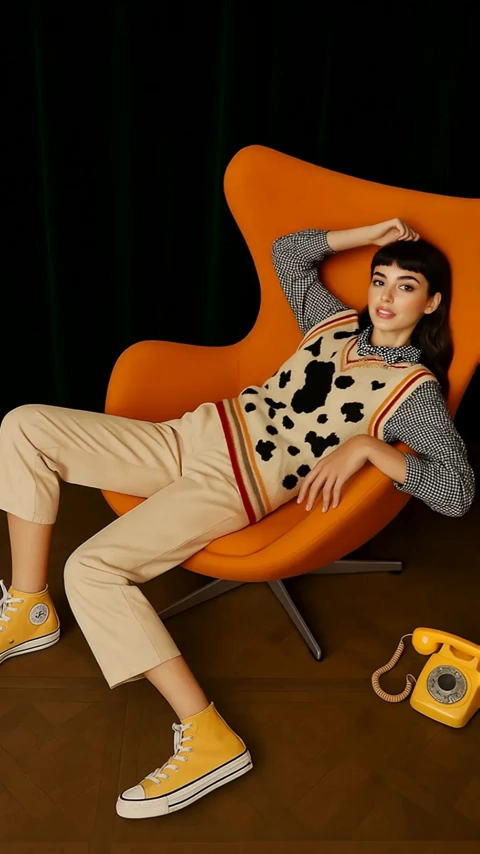
GPT Image 1.5: The Latest Model. Infinite Possibilities.
Advanced Photo Blending & Reality Remixing
You don't need to be an expert in using complicated photo editing software anymore! With the new features of GPT Image 1.5, it's easy to create an entirely new picture by combining many different reference images into one image. The newest version of GPT Image focuses on keeping the same people "uniform" so that their faces and character stay true, while also incorporating them into a brand new setting. Now you can control the feel of your images, through clear prompts.
Go Create Now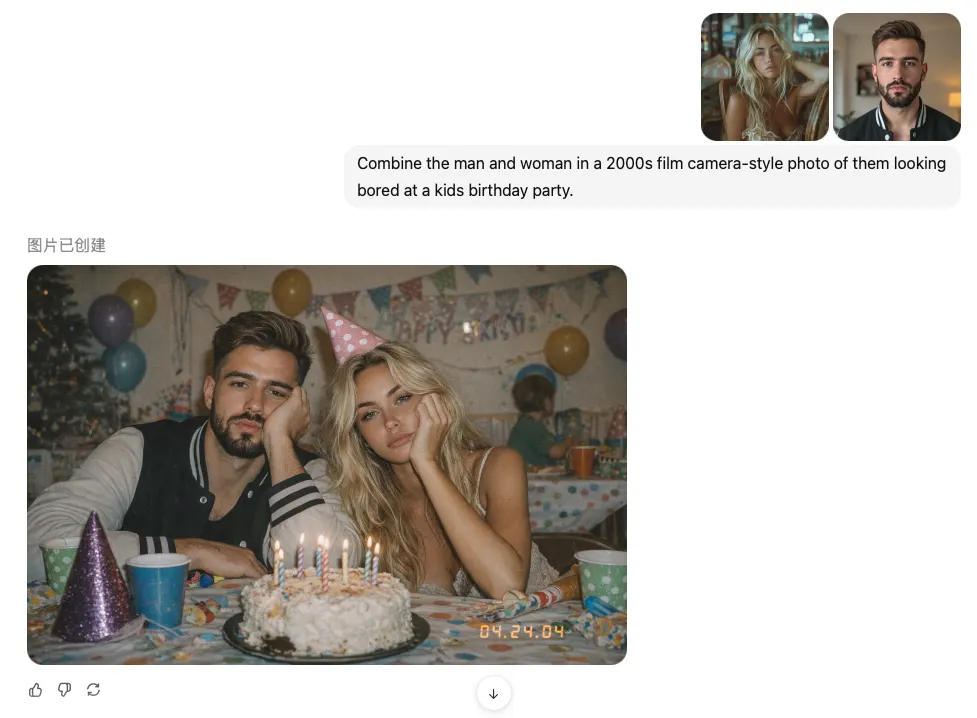
Precision Editing with GPT Image 1.5
Changed your mind? No problem. Just draw a box right on the photo and tell GPT 1.5 exactly what you want—like turning that steaming latte into a refreshing iced coffee. It's like talking to a magic editor. The AI reads your scribbles, swaps the object instantly, and keeps the lighting and fingers looking 100% real. No complex tools, just point, type, and voila.
Go Create Now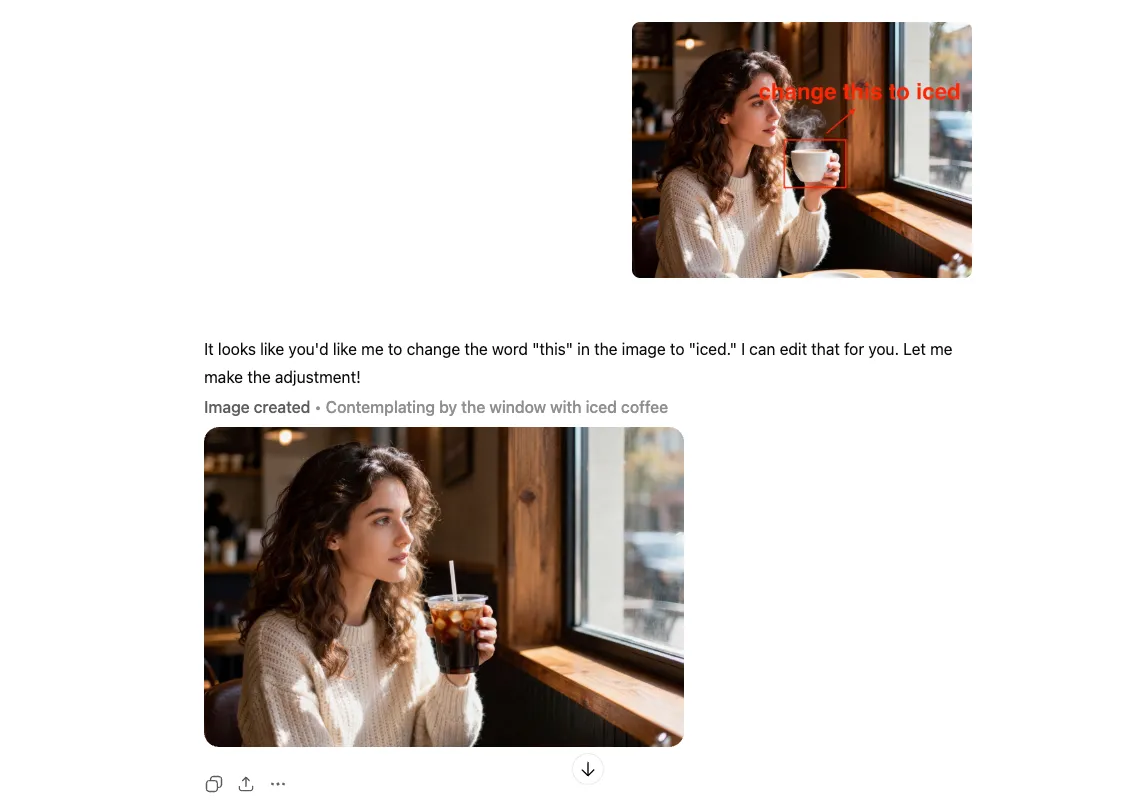
Cinematic Styling & AI Typography
Ever wanted to star in a movie? Take a random snap from your camera roll and let GPT Image 1.5 give it the full Hollywood treatment. It automatically swaps your hoodie for a vintage tuxedo (or space suit) while making sure you still look like you—just way more dramatic. Plus, it finally learned to spell! Unlike older AI that wrote in alien scribbles, GPT 1.5 nails AI typography. You get perfectly legible titles that actually match the vibe, whether it's "Golden Age" glam or modern grit. No design degree needed, just pure movie magic.
Go Create Now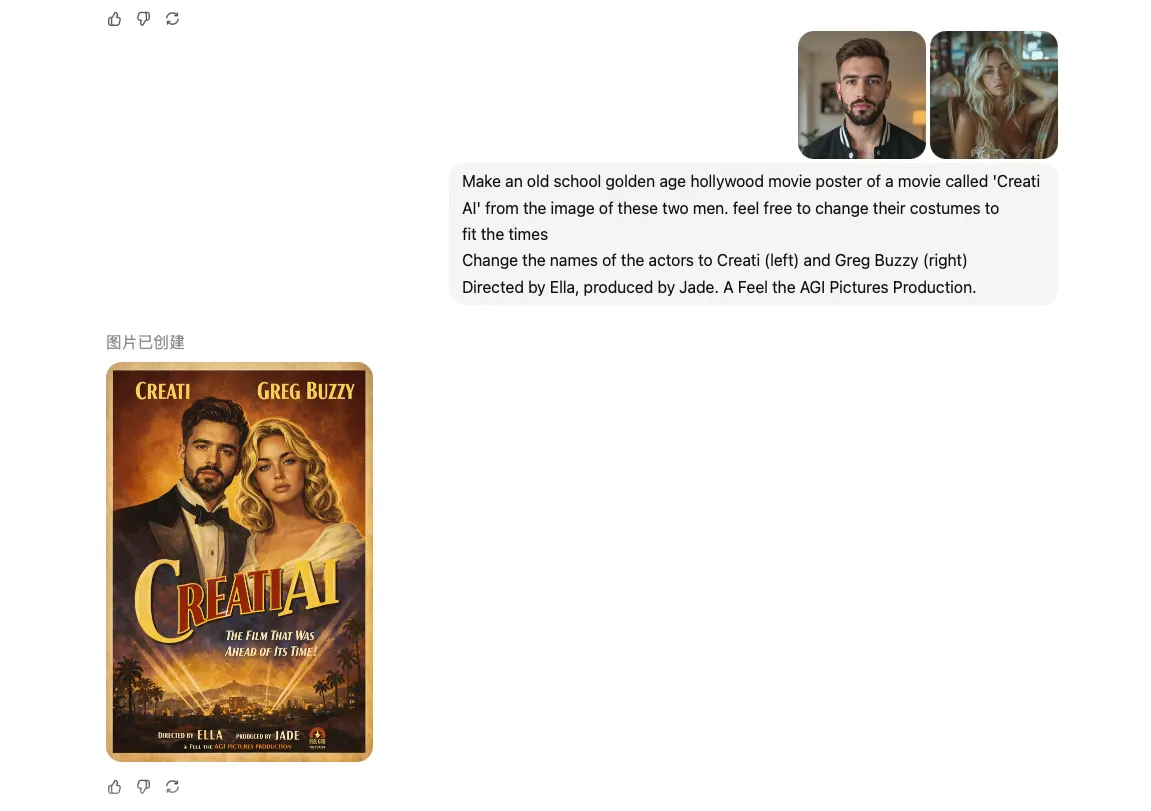
How to Use GPT Image 1.5 on Creati

Select the GPT Image 1.5 Model
Navigate to the Creati dashboard and pick GPT Image 1.5 from the model list. This connects you directly to OpenAI's latest technology, ensuring maximum precision and performance.

Write Prompt & Upload Assets
Describe your vision in natural language or upload reference files. GPT Image 1.5 expertly interprets complex instructions to generate visuals that perfectly match your desired style.

Generate Your Masterpiece
Click "Generate" and let Creati handle the rest. In seconds, your high-quality AI image or video is ready to download, share, or edit.
X Posts About Creati AI
More Video Models Available


FAQs
Go viral with Creati now
With Veo 3 at its core, Creati AI redefines product video creation—delivering high-quality visuals, smooth motion, and natural storytelling from text, images or links.